







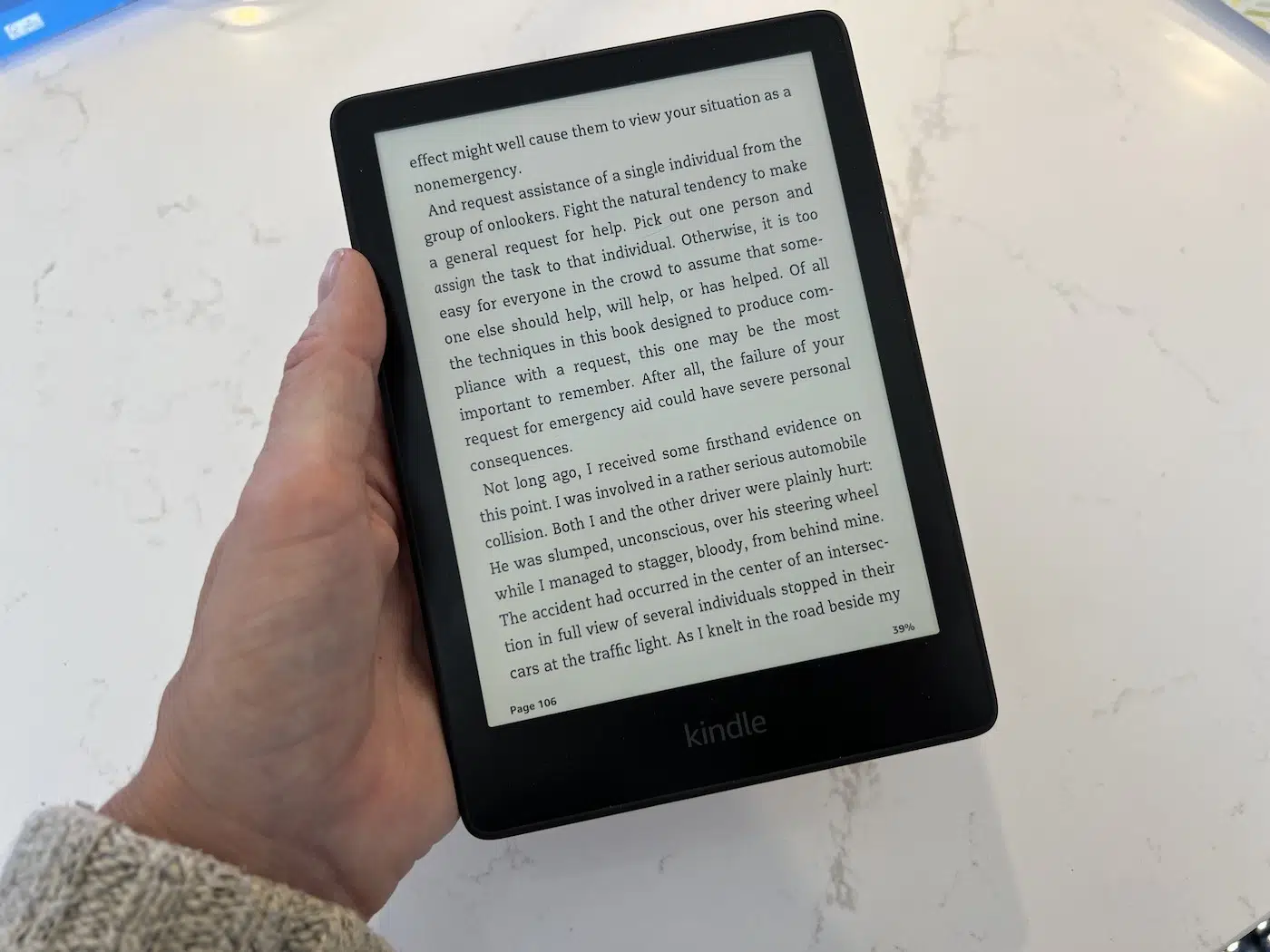
Kindle Paperwhite 11th Generation Overview
The Kindle Paperwhite 11th Generation remains a strong dedicated e-reader for people who want a comfortable digital reading experience without the distractions of a smartphone or tablet. Introduced in 2021, this model brought several meaningful improvements, including a larger 6.8-inch E Ink display, 300 ppi resolution, adjustable warm light, USB-C charging, faster performance, and IPX8 water resistance. These features make it particularly appealing to frequent readers who want a portable device designed almost entirely around books and long reading sessions.
One of the biggest advantages of this generation is its balance between modern features and straightforward usability. The screen is large enough to display more text while remaining compact enough for travel, and E Ink technology provides a paper-like appearance that works especially well outdoors. Depending on the version, buyers can also get different storage capacities and Signature Edition extras. For anyone considering this model today, the most important factors are its condition, current price, storage, and how it compares with newer Kindle alternatives.
Display and Reading Experience
The 6.8-inch E Ink display is one of the defining improvements of the Kindle Paperwhite 11th Generation. With 300 pixels per inch, text appears sharp and clearly defined, making novels and other text-heavy books easy to read. The larger screen also provides more space for words without requiring the device to become excessively bulky. Readers can customise font size, typeface, margins, and line spacing, which makes it possible to create a layout that feels comfortable for different reading preferences and eyesight needs.
The front-lit E Ink screen is particularly useful for readers who spend time outdoors or away from conventional lighting. Unlike glossy smartphone and tablet displays, the screen is designed to remain readable under bright conditions. Adjustable warm light adds another layer of flexibility by allowing the display to shift toward a warmer tone during evening reading. This does not turn the Kindle into a tablet-style screen; instead, it preserves the simple, low-distraction reading experience that makes dedicated e-readers so popular.
Features, Battery Life and Waterproofing
The Kindle Paperwhite 11th Generation includes several practical features that make it suitable for everyday use. USB-C charging is a welcome convenience because the connector is widely used across modern electronics. The device also supports Wi-Fi for downloading books and synchronising content, while Bluetooth enables compatible audiobook listening. Depending on the edition, storage can vary considerably, so buyers should consider whether they primarily read ebooks or also plan to keep a sizeable audiobook collection on the device.
Battery life is another major strength. Amazon designed the Paperwhite to operate for weeks between charges under suitable usage conditions, although actual performance depends on reading frequency, brightness, wireless connectivity, and other settings. Its IPX8 water resistance is equally useful for people who enjoy reading near water. The protection makes the device more suitable for environments such as a bath, poolside, or beach, although water resistance should never be treated as a reason to deliberately expose an electronic device to unnecessary immersion.
Storage, Standard Model and Signature Edition
Storage is an important consideration when choosing between versions of the Paperwhite. Standard models have been sold with different storage capacities, while the Signature Edition provides a larger capacity aimed at users who want more room for books and audiobooks. For someone who mainly downloads ordinary ebooks, a smaller capacity can be more than adequate because text-based books generally consume relatively little storage. Readers with extensive libraries or many audiobooks may benefit from choosing a higher-capacity version instead.
The Signature Edition also includes features designed to make everyday use more convenient. Automatic brightness adjustment can reduce the need to manually change lighting as the surrounding environment changes, while wireless charging provides an alternative way to recharge the device with compatible equipment. These extras are not essential for everyone, so the standard model may offer better value for casual readers. Heavy readers who use their Kindle frequently, however, may appreciate the additional convenience enough to justify choosing the premium edition.
Performance, Content and Everyday Usability
Performance on the Kindle Paperwhite 11th Generation is designed around the needs of readers rather than demanding applications. Page turns, opening books, browsing the library, and navigating menus are handled more smoothly than on many older Kindle models. E Ink technology still refreshes differently from a smartphone or tablet, so users should not expect the same animation speed. That difference is generally less important when reading because the primary task involves turning pages and interacting with text rather than running visually intensive applications.
The Kindle software also provides a useful collection of reading tools. Readers can highlight passages, create notes, use dictionary functions, search within books, adjust typography, and track reading progress. Kindle content can also synchronise across supported devices and applications when the relevant account features are enabled. However, the device is not equally suitable for every type of content. Standard ebooks work extremely well, while complex PDFs, detailed textbooks, colourful publications, and graphic-heavy documents can be more difficult to navigate on a monochrome E Ink screen.
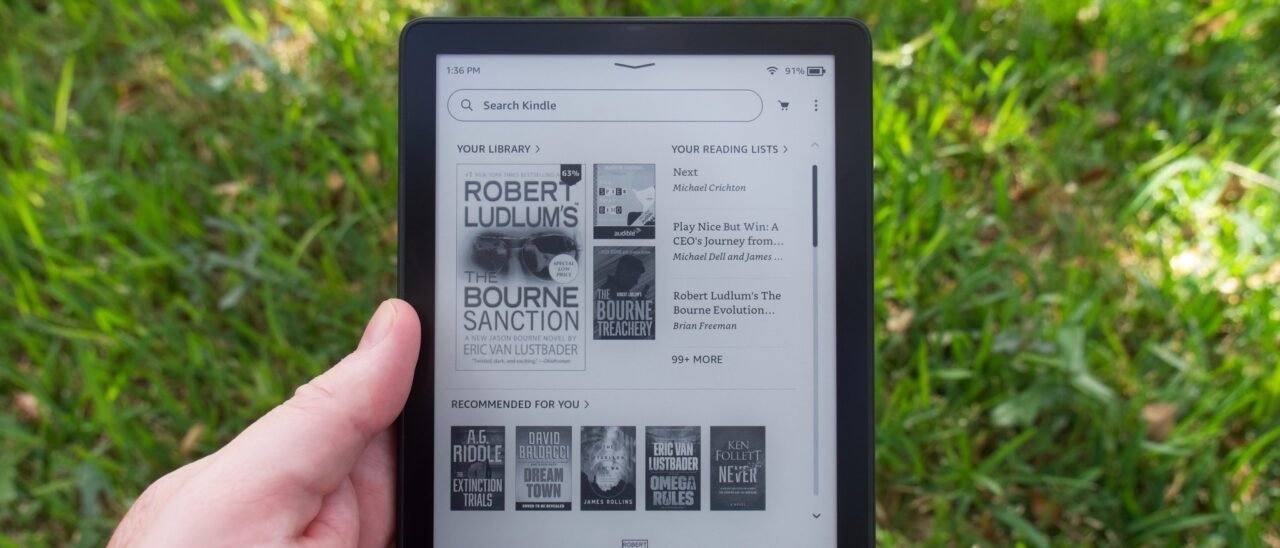
Is the Kindle Paperwhite 11th Generation Still Worth Buying?
The kindle paperwhite 11th generation can still be a sensible purchase when its price reflects its age and capabilities. Its 6.8-inch display, 300 ppi resolution, warm light, waterproof construction, USB-C charging, and long battery life remain useful features for dedicated readers. Someone upgrading from a much older Kindle can also notice meaningful improvements in screen size, lighting, charging convenience, and general responsiveness. The device offers a focused reading experience without the notifications and entertainment distractions commonly associated with multipurpose electronics.
However, buyers should not evaluate it in isolation. Newer Kindle models may offer updated hardware and additional refinements, so the difference in price matters considerably. A discounted, refurbished, or well-maintained used Paperwhite 11th Generation can represent excellent value, particularly for someone who simply wants a reliable ebook reader. Conversely, if the price is close to that of a newer model, comparing specifications and features before purchasing becomes more important. The best choice ultimately depends on reading habits, budget, storage requirements, and the value placed on newer hardware.
Buying Tips and Final Verdict
When purchasing a Kindle Paperwhite 11th Generation, confirm the exact model, storage capacity, and edition before completing the transaction. This is particularly important when shopping through third-party marketplaces where product descriptions can be vague or inconsistent. For used devices, inspect the display for scratches or unusual areas, test the touchscreen across the entire surface, check the USB-C port, and look for signs of battery deterioration. A reputable seller, clear photographs, and a reasonable return policy can make a significant difference when purchasing an older device.
Overall, this generation remains a well-balanced e-reader for people who prioritise books above everything else. Its display is sharp, the larger screen is comfortable, warm light improves flexibility, and waterproofing adds practical durability. It is not intended to replace a tablet, and its monochrome E Ink display has limitations for complex visual content. Nevertheless, readers who find it at a competitive price can still get a capable, comfortable, and dependable device that delivers the core Kindle experience without unnecessary complexity.
Frequently Asked Questions
What year was the Kindle Paperwhite 11th Generation released? The model was introduced in 2021 and represented a substantial update to the Paperwhite range. Its larger display, warm-light system, USB-C connection, improved performance, and waterproof construction helped distinguish it from earlier generations. Buyers should verify the exact model when shopping second-hand because Kindle product names can sometimes be used broadly across different generations.
Is the Kindle Paperwhite 11th Generation waterproof? Yes, it carries an IPX8 water-resistance rating under specified conditions. This makes it better suited to reading around water than many ordinary electronic devices. However, water resistance does not mean the device is indestructible, so users should still avoid unnecessary exposure, follow manufacturer care guidance, and ensure charging connections are handled appropriately.
Does it have warm light? Yes. Adjustable warm light is one of the major features of this generation. Readers can move the front lighting from a cooler white appearance toward a warmer amber tone, giving them more control over the display in different environments. The feature is particularly useful for people who regularly read during the evening or in rooms with limited ambient lighting.
Does it use USB-C charging? Yes, USB-C charging is supported. This makes the device convenient for people who already use USB-C cables and chargers for other electronics. Charging performance and battery endurance can vary according to usage, but the connector itself is a useful improvement over older Kindle models that used previous charging standards.
Should you buy the standard Paperwhite or Signature Edition? The standard model is generally sufficient for readers who mainly want a high-quality screen, warm light, waterproofing, long battery life, and a straightforward reading experience. The Signature Edition is more appropriate for users who value additional storage, automatic brightness adjustment, and wireless charging. The right choice depends on whether those extras justify the additional cost.
Can it read PDFs and audiobooks? The device can handle PDFs, although complex layouts may be less comfortable on its relatively compact monochrome display. Compatible audiobook functionality is also available through Bluetooth. Readers who regularly work with large PDF documents, colourful publications, or media-rich content may find a tablet more flexible, while people focused primarily on novels and standard ebooks are likely to find the Paperwhite much better suited to their needs.
You may also read What Is a Milton Cold Water Steriliser?